
Hidden Unicode Checker • Viewer • Remover
Invisible Character Detector to Remove Hidden Characters Online
Sometimes text looks normal, but something inside it is not normal. A username may have a blank gap. A paragraph may not match in search. A form may reject your input. A copied AI response may carry hidden Unicode marks. This invisible character detector helps you find hidden characters, view them clearly, and clean the text before using it again.
Paste your text below to show hidden characters online. The tool can detect zero width spaces, non printable characters, NBSP, BOM, soft hyphen, bidi marks, word joiners and other invisible text characters that normal editing tools often miss.
Find hidden Unicode characters in pasted text.
See tags, positions, Unicode names and context.
Remove invisible characters or replace them with spaces.
Blank Message Copy Paste for Testing Invisible Text
If you want to test blank text first, copy a blank character and paste it into the detector. This helps you see whether the blank space is a zero width character, normal space, NBSP, or another hidden Unicode mark.
Invisible Character Detector, Viewer & Remover Online
Paste text, detect hidden Unicode, remove or copy clean output.
Note: Preview tags are only for checking. They are not copied into your cleaned text.
✅ Supports zero-width characters, NBSP, BOM, soft hyphen, bidi controls, word joiner, variation selectors, MVS, and C0/C1 control characters.
Preview (Tagged)
| # | Pos | U+ | Name | Category | Context |
|---|---|---|---|---|---|
| No invisible or hidden Unicode characters detected. | |||||
Use this free Invisible Character Detector to view, decode, highlight, remove, and clean hidden Unicode text from usernames, bios, social posts, comments, copied text, and code snippets.
Invisible Checker : Main Features
A normal text editor shows letters and spaces, but it does not always show what is hidden between them. This hidden character checker gives you a cleaner way to inspect copied text before you publish, submit, save or reuse it.
Find Hidden Characters
Paste any text and see if it contains zero width spaces, hidden Unicode marks, non printable characters or strange blank spaces.
View Unicode Details
The viewer shows position, U+ code, name, type and context, so you know exactly what was found before removing it.
Remove or Replace
Delete invisible characters completely or replace them with a normal space when you want the text to stay readable.
What Hidden Characters Can This Tool Find?
This invisible character finder checks text for hidden marks that can affect spacing, display, filtering, search and copy paste behavior. These characters are real Unicode characters, even when they look empty on the screen.
It can help find zero width space, zero width joiner, zero width non joiner, BOM, NBSP, soft hyphen, bidi controls, word joiner, variation selectors and non printable control characters. This makes it useful as an invisible character viewer, zero width character remover and hidden text detector.
Common Characters
- ZWSP: Zero Width Space
- ZWNJ: Zero Width Non Joiner
- ZWJ: Zero Width Joiner
- NBSP: No Break Space
- BOM: Byte Order Mark
- RLM / LRM: Bidi direction marks
How to Remove Hidden Characters Online
1. Paste Your Text
Paste a username, bio, caption, code line, AI response, document text or copied paragraph into the input box. The detector checks it for hidden Unicode marks.
2. View the Tagged Preview
The preview turns invisible characters into readable tags. Instead of guessing where the blank mark is, you can see the exact position and Unicode information.
3. Remove or Replace
Remove hidden characters completely for clean text, usernames or code. Replace them with normal spaces when you want a paragraph to keep natural spacing.
Best Cleanup Choice
Best for usernames, code, slugs, database values, tags and clean plain text.
Best for paragraphs, emails, comments, descriptions and readable content where spacing should stay natural.
Remove AI Hidden Characters From Copied Text
Many users search for a ChatGPT character detector or ChatGPT Unicode detector because copied AI text sometimes behaves oddly after it is pasted into websites, CMS editors, forms or social platforms.
This tool does not guess whether your text is AI written. It checks the actual characters inside the text. If hidden Unicode marks are present, you can view them, remove them and copy a cleaner version.
Useful for SEO and Publishing
Hidden characters inside headings, titles, keywords, slugs or product names can make editing harder. They can also create weird copy paste issues when the same text is reused in spreadsheets, CMS fields or social media posts.
Before publishing important content, run it through the invisible text detector once. If the text is clean, you can move forward. If hidden marks appear, remove or replace them.
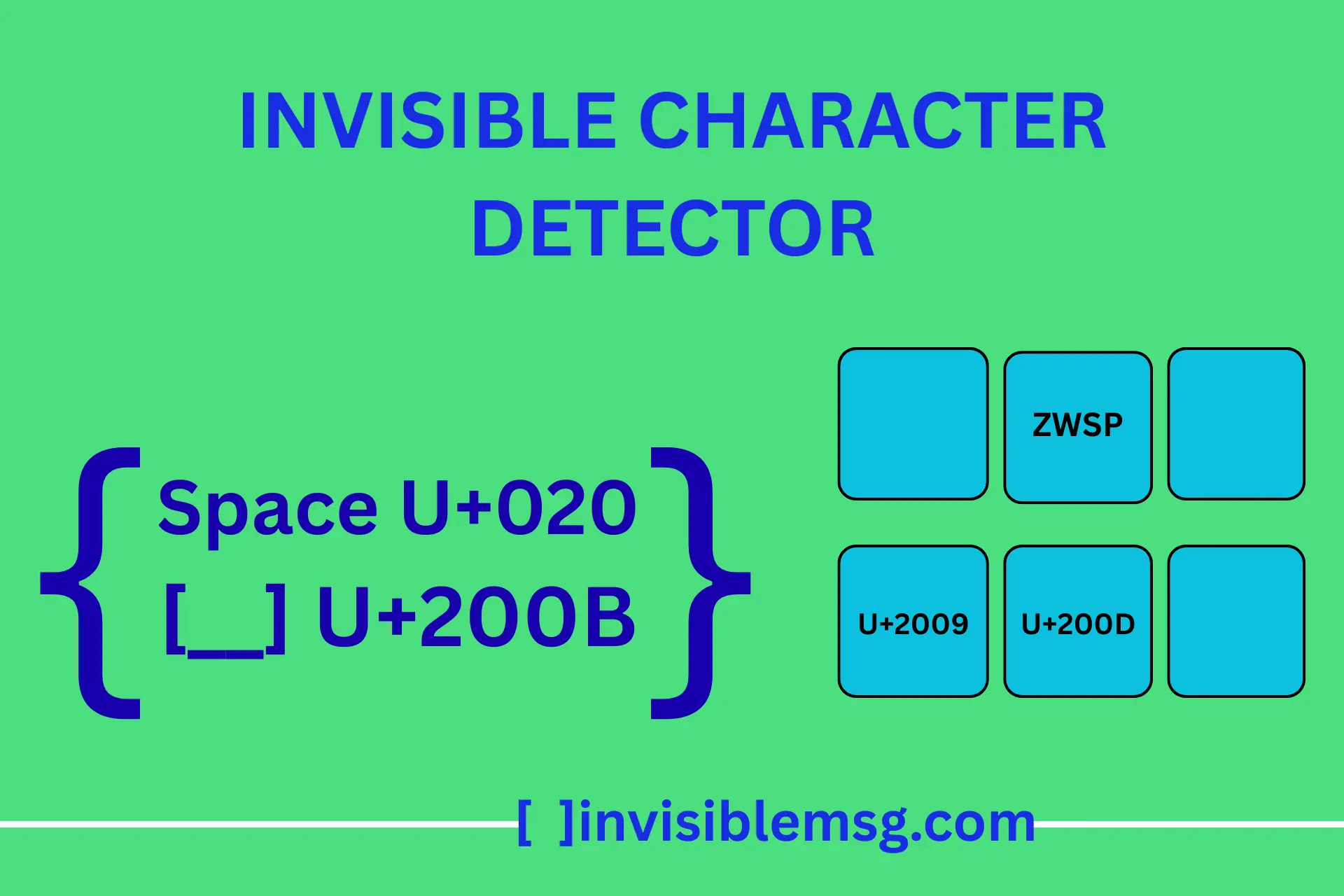
Why Does AI-Generated Text Sometimes Contain Hidden Characters?
A question this tool gets asked a lot: why would a ChatGPT or AI writing response contain invisible Unicode marks in the first place, if a human never typed them? A few different mechanisms explain this, and they're worth telling apart since the fix differs depending on the cause.
Content Watermarking
Some AI platforms and detection services intentionally insert invisible characters — often specific zero-width sequences — as a tracking signature, to make text traceable back to a particular model or generation session later. This is a deliberate, if controversial, technique rather than a bug, and running text through a detector like this one is currently one of the few practical ways to confirm whether that kind of marking is present.
Formatting Artifacts
More often, the cause is mundane: text copied out of a chat interface picks up formatting characters used internally to render markdown, line breaks, or spacing in the chat UI. These aren't intentional tracking marks — they're leftover rendering artifacts that survive the copy-paste step and show up as unexpected Unicode when the text is checked closely.
Practically, the detector doesn't need to know which of these caused a given character to appear — the removal process is the same either way. But if you're publishing AI-assisted content at scale and want to confirm it's not carrying an unintended watermark, checking a sample through the tool before publishing is a reasonable habit.
A Security Reason to Check: Hidden Instructions and Lookalike Text
Beyond formatting annoyances, invisible characters have a real security dimension worth knowing about, particularly as more workflows involve pasting text into AI tools or reviewing documents from unknown sources.
Text embedded in a shared document, email, or web page can carry hidden instructions using invisible Unicode characters, positioned so they're invisible to a human reader but still get read as text by an AI system processing that content — a technique generally referred to as prompt injection. Running suspicious pasted content through a detector before feeding it into an AI tool or automated pipeline is a simple way to check for this kind of hidden payload before it has a chance to influence anything.
A related but separate risk involves bidi (bidirectional) control characters, which can be used to visually reorder text so a filename, URL, or domain name displays differently than its actual underlying characters — a known technique in some phishing and homograph attacks. Pasting an unfamiliar link's display text into the detector reveals whether direction-control marks are altering what's actually shown versus what the raw characters really are.
When Hidden Characters Are Doing Their Job Correctly
The safety section above notes that not every invisible character is a problem — worth expanding on with specific, common examples, since removing the wrong one can visibly break text rather than clean it.
Emoji Sequences
Combined emoji — a family emoji, a flag, or a skin-tone-modified gesture — are built from multiple individual emoji joined together with Zero Width Joiner (U+200D) characters. Removing the ZWJ splits one combined emoji back into several separate ones.
Arabic, Persian & Indic Scripts
Zero Width Non-Joiner (U+200C) is a normal, necessary part of correctly rendering certain letter combinations in Persian, Arabic, and several Indic scripts — it controls whether adjacent letters visually connect. Stripping it from genuinely multilingual text can change how words render or read.
Mixed-Direction Text
Right-to-Left Mark and Left-to-Right Mark characters are the correct way to keep a Latin word or number readable inside a sentence written in Hebrew or Arabic. In genuinely bilingual content, these aren't hidden clutter — they're what keeps the layout correct.
As a general rule: for plain English usernames, slugs, and code, removing everything the detector flags is almost always safe. For any text that mixes scripts, includes emoji, or was written in a right-to-left language, it's worth reviewing what got flagged before hitting Remove.
When Should You Use a Hidden Character Detector?
Use the checker when text looks right but acts wrong. This happens often with copied content, blank names, AI drafts, web forms, comments, code snippets and text copied from rich editors.
Clean ChatGPT or AI generated text before publishing
Check usernames, bios, captions and blank names
Remove hidden characters from copied website content
Fix strange spacing in forms, comments and documents
Find zero width characters inside code or text snippets
View non printable characters online before cleanup
Hidden Unicode Characters Reference Table
These are common characters that may appear invisible or hard to notice in normal text. The detector can help you find and clean them quickly.
| Tag | Name | Unicode | Common Issue |
|---|---|---|---|
| ZWSP | Zero Width Space | U+200B | Hidden gaps inside words |
| ZWNJ | Zero Width Non Joiner | U+200C | Joining and text rendering issues |
| ZWJ | Zero Width Joiner | U+200D | Emoji or character joining changes |
| NBSP | No Break Space | U+00A0 | Looks like normal space but behaves differently |
| BOM | Zero Width No Break Space | U+FEFF | File or pasted text issues |
| SHY | Soft Hyphen | U+00AD | Hidden hyphenation inside words |
Good Cleanup Habits
- Keep the original text if you are checking moderation cases.
- Use replace with space for normal paragraphs.
- Use remove for code, slugs, names and exact-match fields.
- Check AI generated text before publishing.
- Do not remove valid language marks blindly.
View First, Then Clean Carefully
Not every invisible character is bad. Some are used in multilingual text, emoji sequences, right to left writing or special formatting. That is why the viewer matters. It lets you see what is hidden before you remove anything.
For normal English text, usernames, code and copied AI content, most unexpected zero width or non printable characters can be removed safely. For language specific text, check the context before deleting direction marks or joiners.
Frequently Asked Questions
These answers cover the most common problems users face while checking invisible text, hidden characters, AI copied content and zero width Unicode marks.
What is an invisible character detector?
▼
It is a tool that scans pasted text and finds hidden Unicode characters, zero width spaces, non printable marks and blank characters that are not easy to see. It helps find illegal characters in text.
How can I remove invisible characters?
▼
Paste your text into the detector, review the tagged preview, then click Remove Invisibles. You can also replace hidden marks with normal spaces.
Can this detect ChatGPT hidden characters?
▼
Yes. Paste text copied from ChatGPT or another AI writing tool. The checker will show if hidden Unicode marks or unusual spaces are present.
Can I view non printable characters online?
▼
Yes. The invisible character viewer shows non printable characters as readable tags with Unicode code, name, category and nearby context.